

Introduction
Google Ads keeps improving its interface to make campaign management faster and easier for advertisers. One of the latest updates is the addition of a shortcut button for Change History. This small update may look simple, but it saves time and helps advertisers track account changes more efficiently. For marketers who manage multiple campaigns or clients, this feature can make daily work smoother and more transparent.
What Is Change History in Google Ads
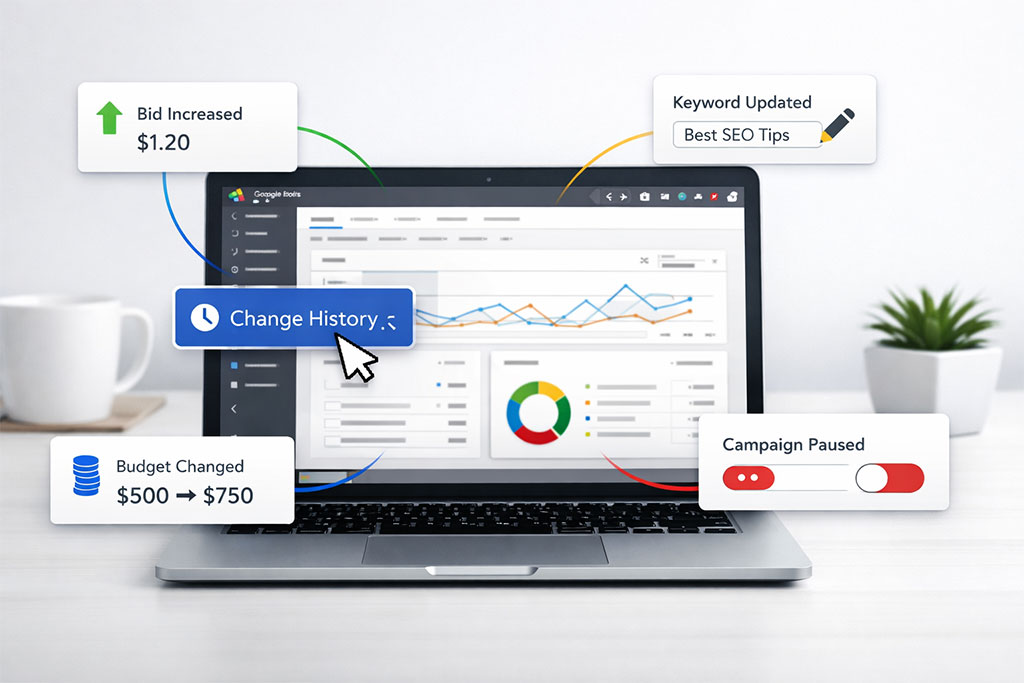
Change History in Google Ads shows a complete record of edits made in an account. It includes changes to budgets, bids, keywords, ads, settings, and more. This feature is especially useful when multiple people have access to the same account or when performance suddenly changes and you want to understand why. Earlier, users had to navigate through menus to access Change History, which took extra time.
What’s New in the Shortcut Button
Google Ads has now added a shortcut button that gives quicker access to Change History. Instead of searching through tools or settings, advertisers can directly jump to the change log with fewer clicks. This shortcut is designed to improve workflow and reduce the time spent finding important account updates. The button is placed in a more visible area, making Change History easier to discover and use.
Why This Update Is Helpful for Advertisers
This shortcut is helpful because speed matters in campaign optimization. When performance drops or improves suddenly, advertisers often need to check what changes were made recently. With the new shortcut, they can instantly review edits without interrupting their workflow. This is especially useful for agencies and professionals who manage accounts for clients and need quick answers.
Better Transparency and Accountability
The shortcut also improves transparency within teams. When multiple users are working on the same Google Ads account, it becomes easier to see who made which change and when. This helps avoid confusion, reduces mistakes, and improves accountability. For agencies, it also helps explain performance changes clearly to clients with accurate data.
How It Helps in Daily Campaign Optimization
Daily optimization involves testing ads, adjusting bids, updating keywords, and refining targeting. With quick access to Change History, advertisers can easily review what was changed earlier and decide the next steps more confidently. It also helps in identifying accidental changes that may affect performance, allowing faster corrections.
Impact on Beginners and Experts
For beginners, this update makes Google Ads easier to understand and manage. They can quickly learn how changes affect performance by reviewing past edits. For experienced advertisers, it saves time and improves efficiency, especially when managing large or complex accounts. This update supports both learning and advanced optimization.
Final Thoughts
The new Change History shortcut button in Google Ads is a small but powerful improvement. It enhances usability, saves time, and supports better decision-making. By making account changes more visible and accessible, Google Ads continues to focus on user-friendly updates that benefit advertisers at every level. For anyone running or managing Google Ads campaigns, this shortcut is a welcome and practical addition.