Make Your Google Ads More Powerful
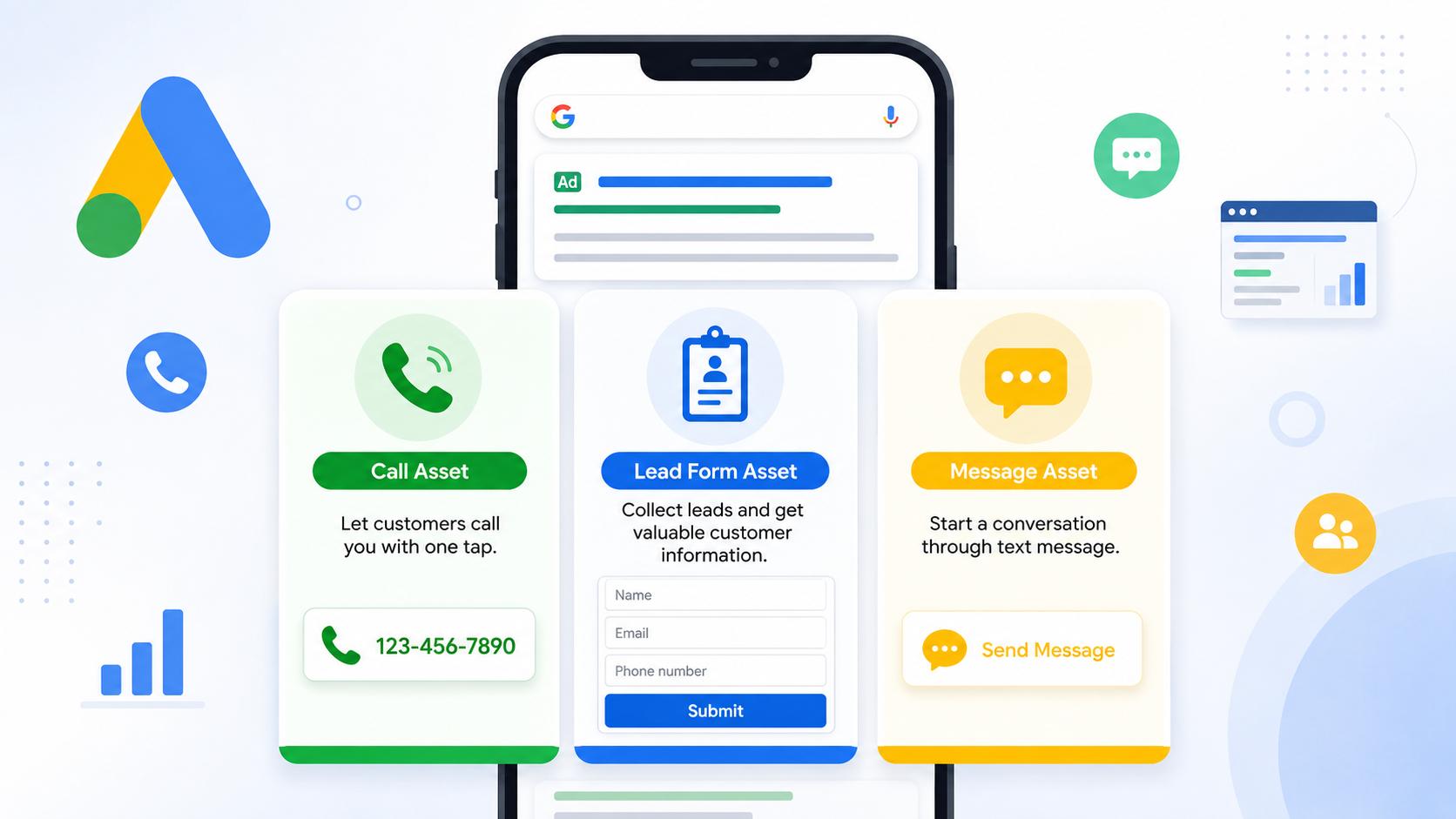
How to Use Lead Forms, Message Assets, and Call Assets in Google Ads. The real goal is to connect with people and turn them into customers. Many businesses spend money on ads but forget to use helpful features that make it easier for customers to contact them. Google Ads provides tools like Call Assets, Lead Forms, and Message Assets that help businesses get more calls, leads, and direct conversations.
These features improve the user experience and increase the chances of getting quality leads. If you use them correctly, your ads can perform much better without increasing your advertising budget.
What Are Call Assets in Google Ads?
Call Assets allow businesses to show their phone number directly in Google Ads. When users see the ad, they can click the phone number and call the business instantly. This feature is very useful for businesses that want quick customer communication such as service providers, clinics, restaurants, or agencies.
When someone searches for a service on their mobile phone, they usually prefer calling instead of filling out long forms. Call Assets make this process simple and fast.
To use Call Assets, open your Google Ads account and go to the Assets section. Select Call Asset and add your business phone number. You can also choose the timing when calls should appear. For example, if your office is open from 9 AM to 6 PM, you can show the call option only during those hours.
Using Call Assets can increase trust because customers can directly contact the business without visiting the website first.
How Lead Forms Help Generate More Leads
Lead Form Assets are designed for businesses that want to collect customer information directly from Google Ads. Instead of sending visitors to a landing page, Google shows a small form where users can submit their details like name, phone number, or email address.
This feature works well for businesses offering services, consultations, demos, or quotes. It saves time for users because they do not need to visit another page to contact the company.
Setting up a Lead Form is simple. In Google Ads, go to Assets and create a Lead Form Asset. Add a strong headline, business name, and a short description explaining why users should contact you. Then choose the fields you want customers to fill in.
A good lead form should stay simple. Asking for too much information may reduce conversions. Most businesses get better results by asking only for basic details.
Lead Forms are especially useful for mobile users because they can submit information quickly with just a few taps.
Understanding Message Assets in Google Ads
Message Assets allow customers to send a text message directly from the ad. This feature is helpful for businesses that communicate through SMS or messaging apps. Some users may not want to call immediately, but they feel comfortable sending a quick message.
For example, a customer searching for website development services may prefer sending a message asking about pricing before making a call.
To set up Message Assets, add your business phone number and create a default message that users can send. Keep the message friendly and professional. This helps users start conversations easily.
Fast replies are important when using Message Assets. If customers do not receive responses quickly, they may move to another business.
Why These Assets Matter for Better Results
Call Assets, Lead Forms, and Message Assets improve the visibility of your ads and make customer communication easier. They help businesses get more qualified leads because users can choose the easiest way to connect.
Some people prefer calls, while others prefer forms or messages. By using all these options together, businesses can reach different types of customers and improve overall conversion rates.
These assets also make ads look larger and more professional in Google search results, which can increase click-through rates and customer trust.
Final Thoughts
Google Ads offers many useful tools, but Call Assets, Lead Forms, and Message Assets are among the most effective for lead generation. They help businesses connect with customers quickly and reduce the effort users need to take before contacting a company.
If you want better results from your Google Ads campaigns, start using these assets properly. Small improvements in ad communication can lead to more calls, more leads, and more sales for your business.